Exporting to GPX
Export to GPX
To export the current route to a GPX file, open the route actions menu and choose Export to GPX....
When a trip is open, you can export either the active day or the whole trip:
- Open the trip actions menu and choose
Export trip to GPX...to export the whole trip. - Open a day actions menu and choose
Export day to GPX...to export just that day.
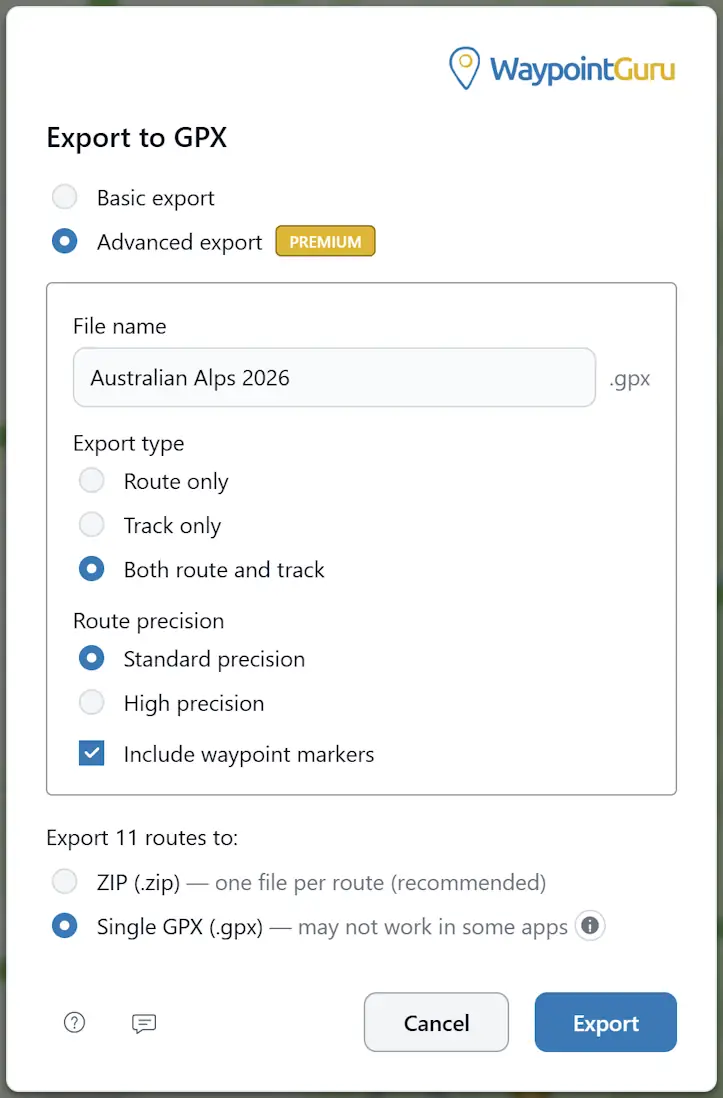
You can also export multiple routes at once from the Route Manager, either as a ZIP file containing one GPX file per route, or as a single GPX file containing all routes.
Basic export
Basic export is available to all users.
It exports the route in standard GPX form with route and waypoint data, and it honors shaping points using Garmin GPX extensions.
Advanced export
Advanced export is available to Premium users.
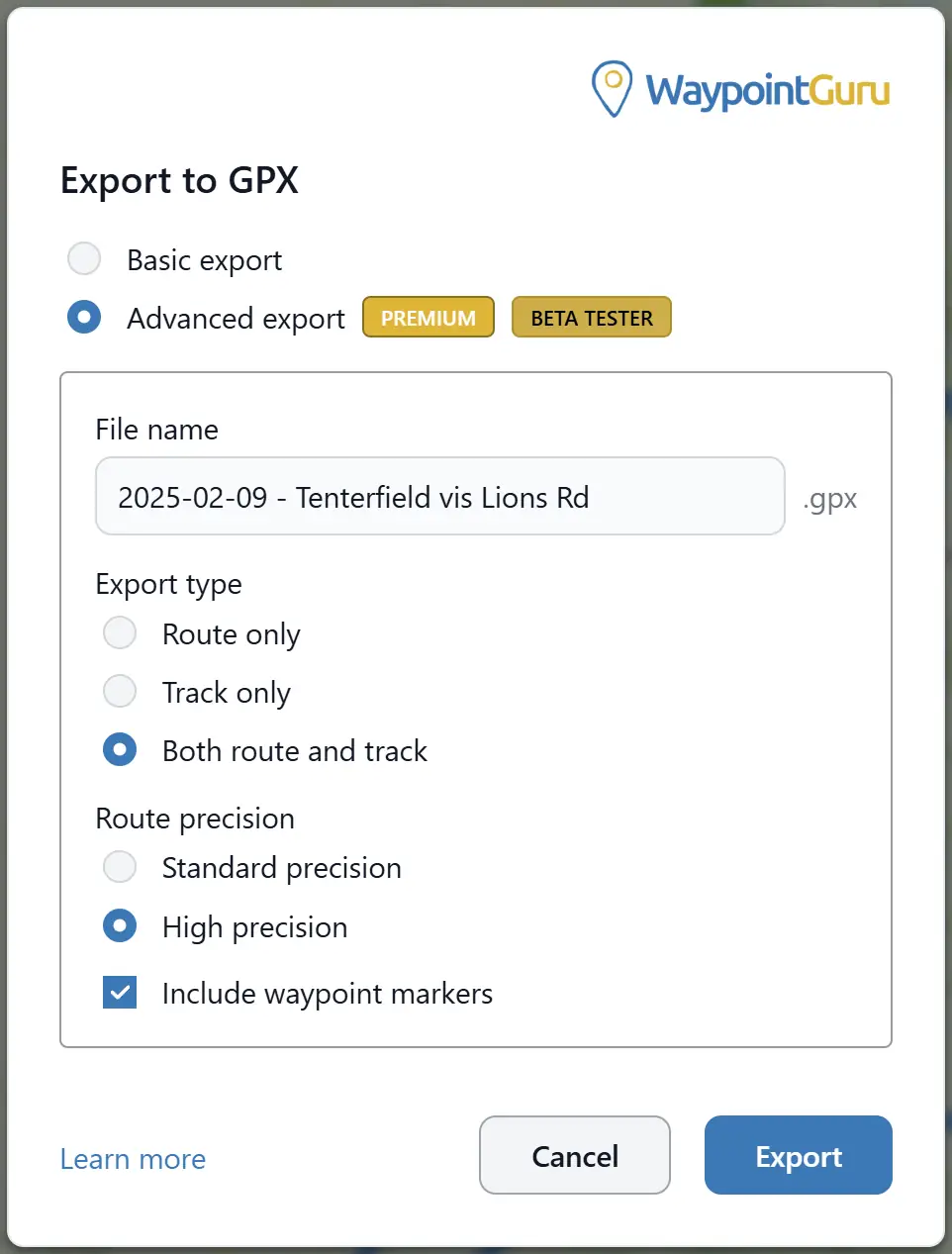
It adds extra control over how the GPX file is generated, including:
- Custom file name
- Route-only export
- Track-only export
- Combined route-and-track export
- Route precision options
- Whether waypoint markers are included
Advanced export is where WaypointGuru's Garmin-focused export features are available.
Trip export
Trip export creates one download for the whole trip.
Depending on the export options available to your account, a whole-trip export can be:
- One combined GPX file containing the trip's exportable days
- A ZIP file with one GPX file per exportable day
Trip days with fewer than two waypoints are skipped because there is no route data to export.
Day export uses the same GPX export behavior as a standalone route. Open the day actions menu and choose Export day to GPX....
Export type
Advanced export can create:
- A route only
- A track only
- Both a route and a track in the same GPX file
Route precision
For route exports, you can choose:
- Standard precision
- High precision
High precision includes Garmin extension data that defines the full geometry of the route.
Several navigation apps understand this and can follow the exact route you see in WaypointGuru when the GPX file is imported.
In addition to full route geometry, WaypointGuru always includes extra Garmin navigation data that helps compatible Garmin GPS devices import the route more reliably and follow it more accurately with turn-by-turn navigation.
Waypoint markers
Advanced export can optionally include waypoint markers in the GPX file.